
Appearance
Mechanical, Electrical & Plumbing

Introduction
To bring the benefits of automated engineering and design to MEP engineers, we have developed the RoomBook and EngineeringBook. These tools allow users to:
- Perform automated calculations, based on spaces and corresponding requirements
- Design systems, based on design quantities and parameters
- Exchange data between RoomBook, EngineeringBook and applications like Revit, via DataFusr.
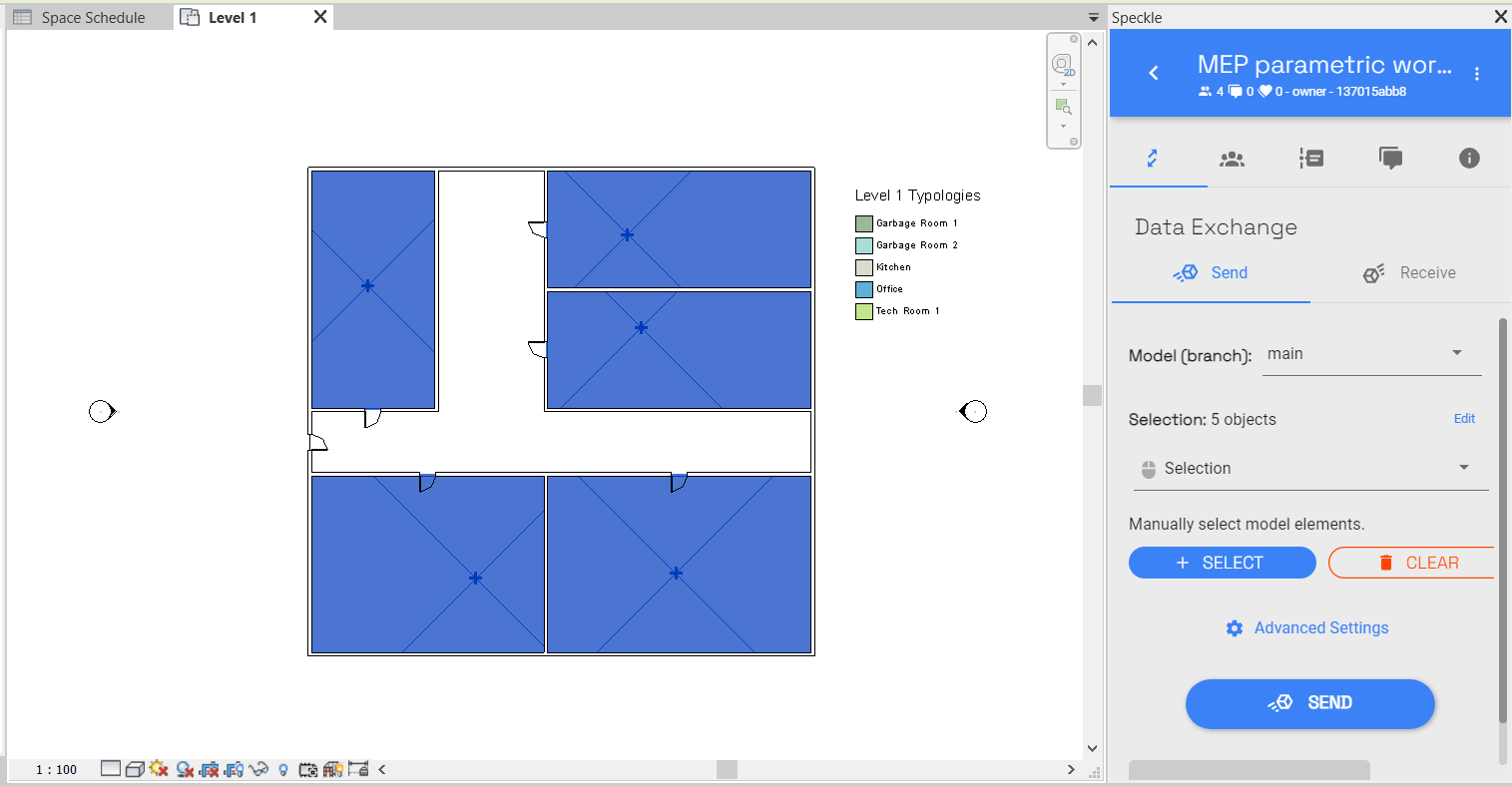
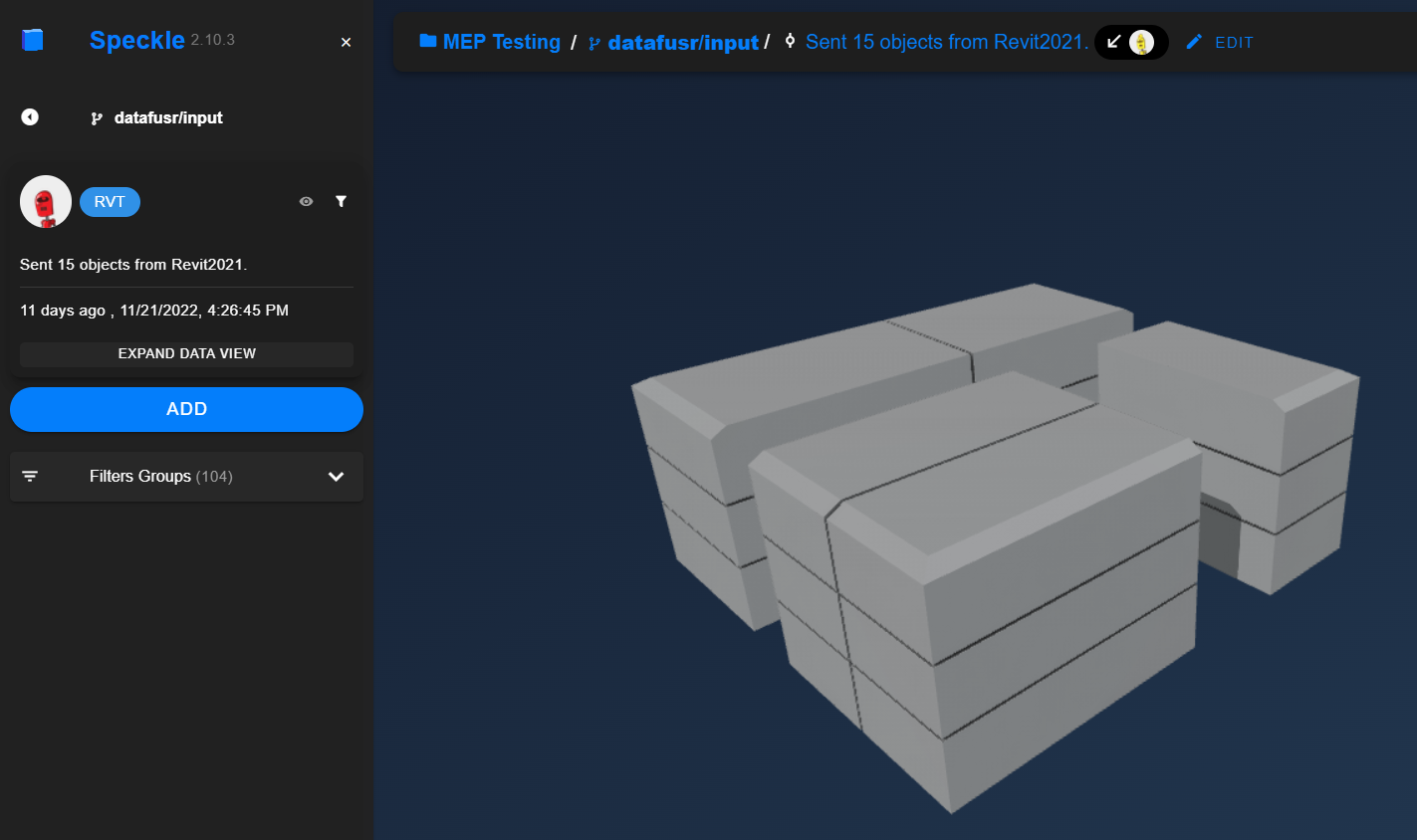
This enables users to perform their work using a more data-driven approach in design and engineering. More information can be found in our online documentation: DataFusr MEP Documentation.
RoomBook
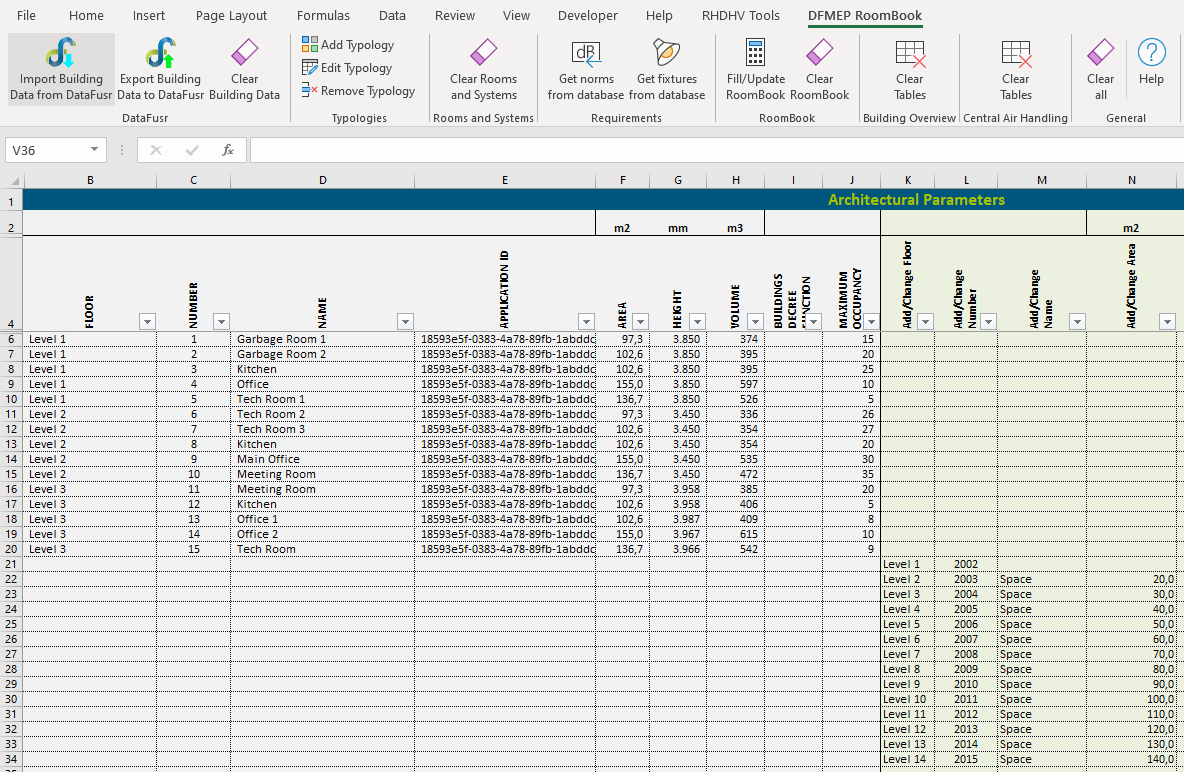
The RoomBook empowers users by providing an organized and standardized way of performing automated calculations, based on spaces and corresponding requirements. These calculations result in total requirements for all spaces concerning:
- Ventilation
- Heating
- Cooling
- Power
- Communication
- Lighting
- ...
The results can subsequently be exchanged with the DataFusr platform, or used locally for design and engineering within the EngineeringBook.
The RoomBook contains a DFMEP RoomBook ribbon with buttons allowing the user to perform actions:
- Adding or removing typologies
- Retrieve data from databases
- Perform calculations
- Exchange data with DataFusr
More information can be found in the RoomBook tutorials.
The RoomBook can be downloaded here: RoomBook download
EngineeringBook
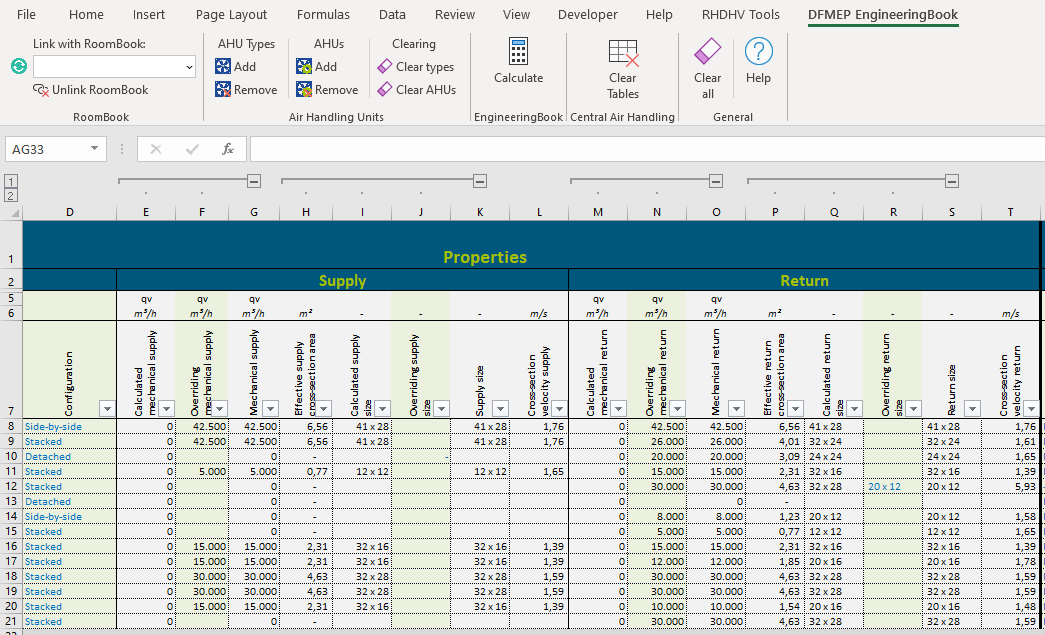
Results from the RoomBook can be used within the EngineeringBook to design the required components and systems, such as:
- Air handling units (AHUs)
- Shafts
- Ducts
- Heating plants
- Cooling plants
- Cable trays
- Sub distribution cabinets (SDCs)
- Main distribution cabinets (MDCs)
- Satellite equipment rooms (SERs)
- Main equipment rooms (MERs)
We continuously work to extend the functionality of the EngineeringBook. Ideas for further extensions are always welcome!
Note that it is also possible to use the EngineeringBook independently of the RoomBook. For all systems, the required input can namely be specified manually as well.
The EngineeringBook contains a DFMEP EngineeringBook ribbon with buttons allowing the user to perform actions:
- Linking with an open RoomBook
- Adding or removing systems
- Perform calculations
- Exchange data with DataFusr
More information can be found in the EngineeringBook tutorials.
The EngineeringBook can be downloaded here: EngineeringBook download
Origin
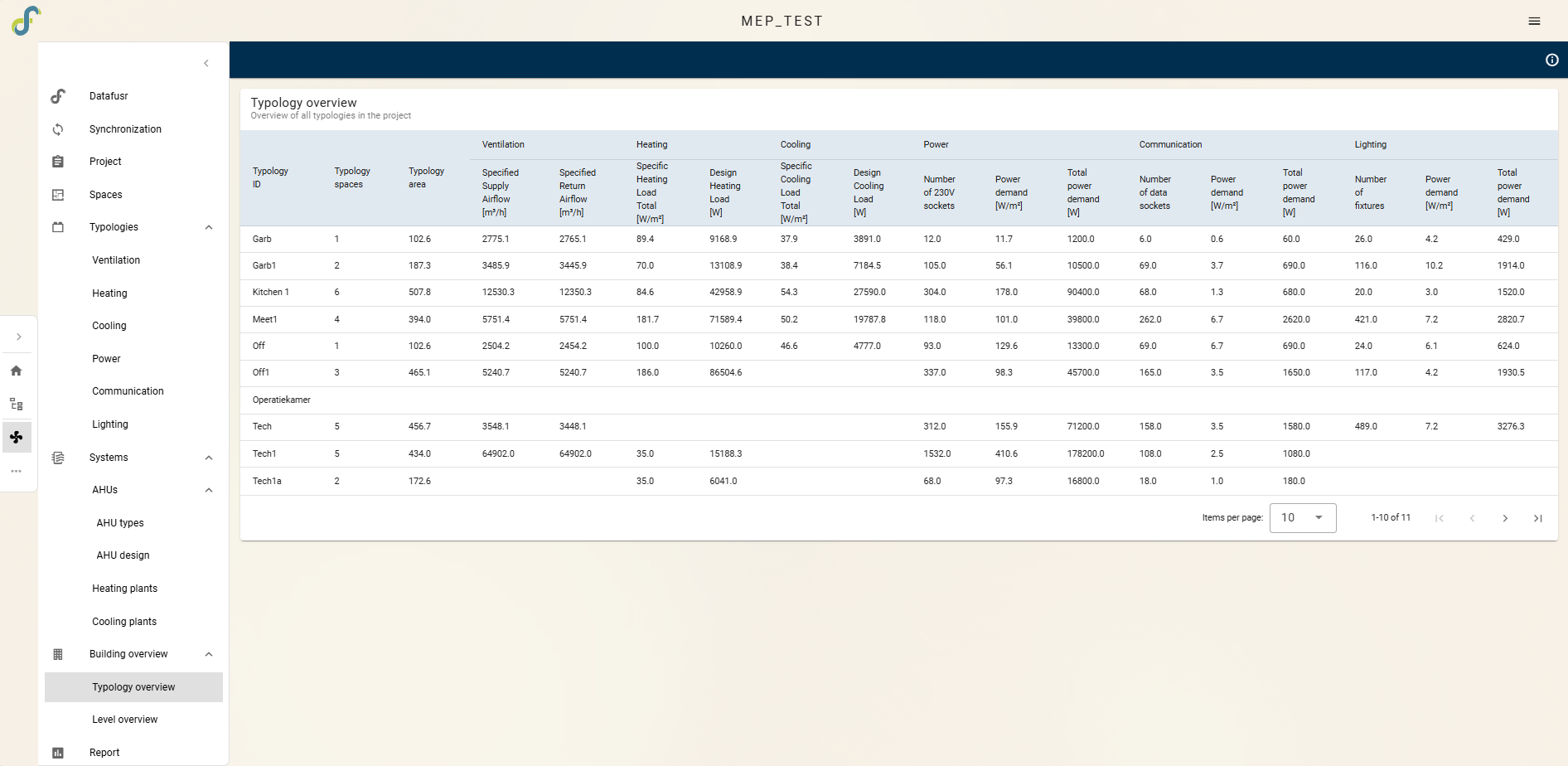
Origin is a web-based platform for defining project starting points across multiple disciplines. For MEP, it can be used as an alternative for traditional RoomBook and EngineeringBook Excel workflows with a scalable, secure, and collaborative web environment.
Origin integrates RoomBook and EngineeringBook functionality for MEP projects. Key benefits include faster workflows, improved security, better collaboration, a modern user interface, and reporting features. It is accessible at Origin
Within an Origin project, users can access the MEP page to perform following actions:
- Speckle import / export
- Providing data
- Perform RoomBook functionality
- Perform EngineeringBook functionality
- Reporting
Grasshopper
The DataFusr MEP Grasshopper tools allow users to apply the force of parametric design in combination with RoomBook and EngineeringBook functionality. These tools come as a Grasshopper plugin that can be easily installed using the DataFusr Manager.
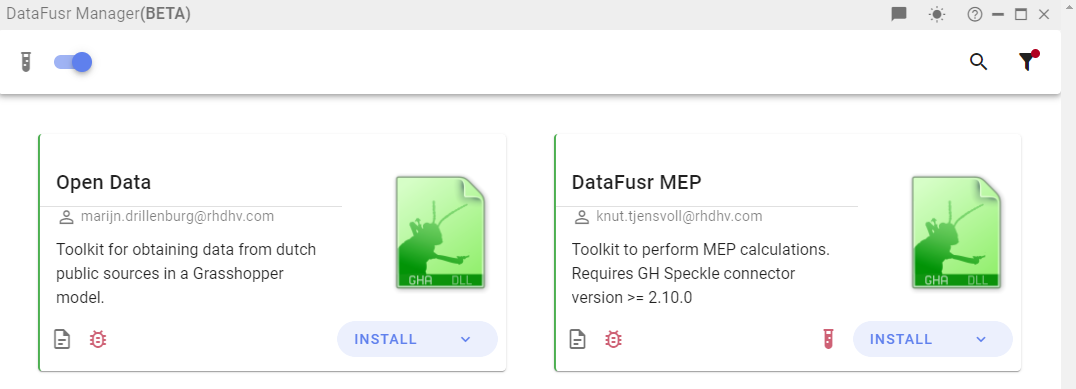
Once installed, the DF MEP ribbon will appear in Grasshopper, containing ready-to-use components that provide useful functionality such as:
- Retrieving project parameters
- Select standards
- Creating spaces and typologies
- Retrieving parameters from spaces or typologies
- Calculating duct cross-sections
- ... and more to be added

More information can be found in the DataFusr MEP Grasshopper tutorials.
The DataFusr MEP Grasshopper tools can be downloaded via the DataFusr Manager.
Quick start & Workflows
To help you get started, we have created a Quick start for the RoomBook. This will guide you through the required steps of an example workflow, in which we use a Revit model as starting point.
Please note that use of the RoomBook is NOT restricted to projects involving Revit models. The RoomBook is flexible and is able to function with data from various sources (e.g. Dynamo, Grasshopper) and it is even possible to provide spaces from scratch.
For the EngineeringBook, we have created Workflows that guide you through the process of designing air handling units, shafts, SERs or MERs.
Team
The MEP development team consists of the following people:
| Name | Role | Expertise |
|---|---|---|
| Leander Engel | Product Owner & Developer | Development |
| Meghana Kulhalli | Building Physics & MEP Engineer | Energy modelling / Building performance |
| Jun Lin | Developer | Development |
| Evina Giouri | Energy & MEP Engineer | Energy modelling / Building performance |
| Michel Reintke | Lead Engineer Electrical | Electrical |
Feel free to reach out if you need help, when you have remarks or when you want to contribute. Contact details of all team members can be found on our Team page.