Appearance
Open Data Toolkit
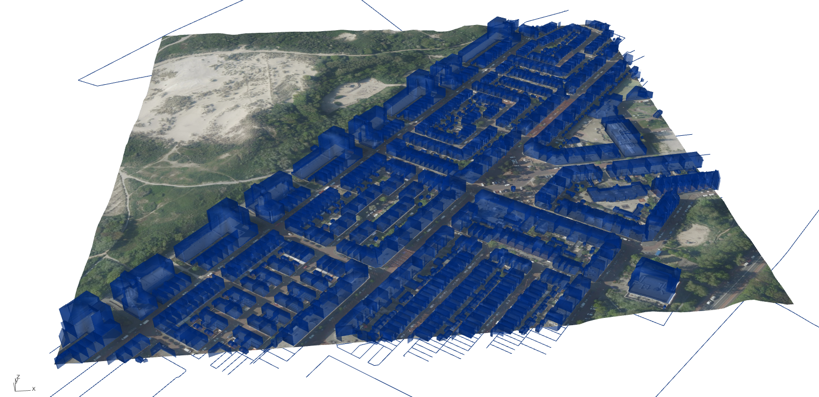
The Open Data components provide access to freely available building data from several sources. These sources can be accessed from Grasshopper, which allows the user to get a good impression of the surroundings of a building plot. Currently available sources include 3DBAG, Kadaster, BGT and AHN3.
Grasshopper components
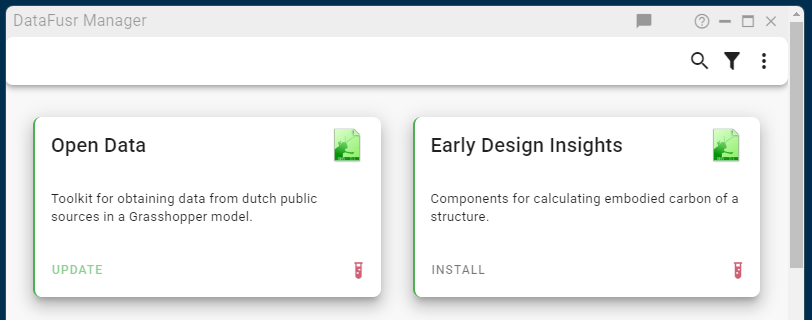
The components can be installed with the DataFusr Manager. They are part of the Haskoning AB ribbon.
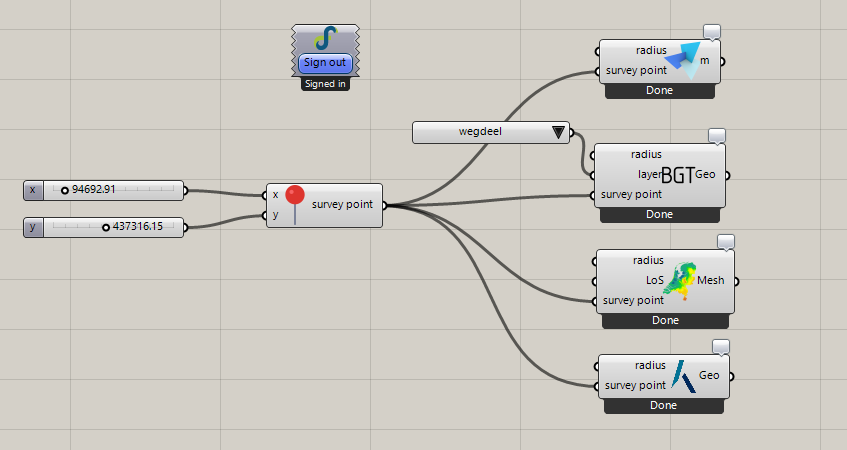
The components can be used by specifying a survey point component, that describes the location in the real world in RD-Coordinates. This component can in turn be connected to the individual Open Data components:
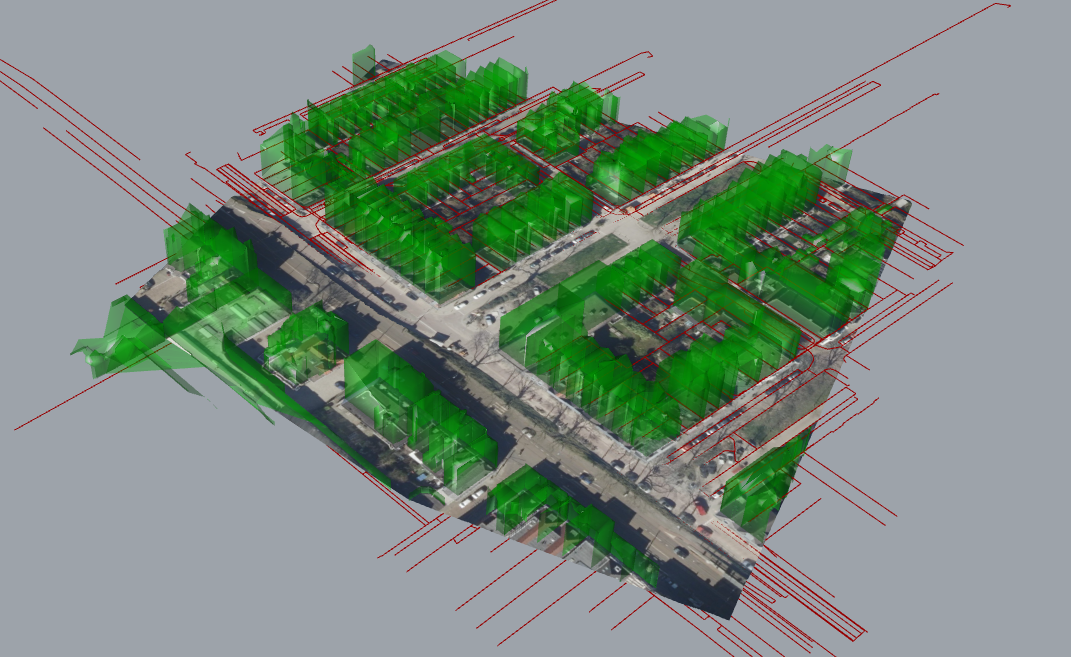
The result is the combination of the sources you have selected. In this example all four data sources are combined:
Open Data through Equation
The Open Data Toolkit is also available on Equation, Haskoning's calculation platform. With the Equation component in Grasshopper you can retrieve open data, such as 3DBAG buildings, without installing the Open Data components. The results are returned as Speckle objects. Use the Speckle Expand Collection component to get to the parts, such as the individual buildings.
You need the Speckle v3 connector for Rhino 8, version 3.15.0 or newer. See Equation for the setup.
Python package
The Open Data Toolkit is also available as an installable python package. The repo is available here. Request access through anyone from the team.
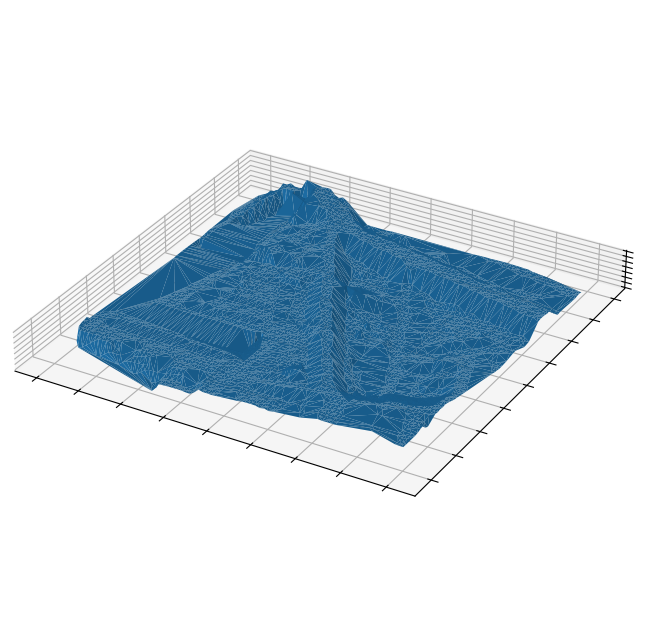
An example usage of the python package to retrieve a digital surface map with AHN:
py
from haskoning_opendata.AHN import AHNInput, get_ahn, plot_speckle_mesh
ahn_input = AHNInput(
    x = 90654,                      # x-location in RD-coordinate system [m]
    y = 435703,                     # y-location in RD-coordinate system [m]
    r = 200,                        # radius [m]
    mesh_type = "DTM",              # Mesh type "DTM" or "DSM"
    level_of_simplification = 5     # Resolution
)
mesh = get_ahn(ahn_input=ahn_input)
plot_speckle_mesh(mesh=mesh)
The resulting plot looks like this: