Appearance
DataFusr Origin

DataFusr Origin is a web application where you specify the data of your project centrally and make it accessible to all stakeholders. Each project gets its own environment in Origin. In it, the project team manages the shared project parameters, and each discipline works on its own data in a dedicated module. Because all modules use the same central data model, Origin is a single source of truth for the project.
Start specifying!
Open DataFusr Origin at origin.haskoning.com and sign in with your Haskoning account.
Projects
After you sign in, the home page shows the projects you are a member of. Click a project card to open it, or click New Project to create one. A new project has a name, and optionally a project number, client, description and image. You choose which discipline modules the project uses. You can change this later.
Inside a project, the menu on the left gives access to:
| Menu item | What you do there |
|---|---|
| Project Home | Project information, users, location and links to Speckle |
| Origin | The shared project parameters, organised in aspects |
| Architecture & Building Technology | Rooms, groups and typicals. See Roombook (Origin) |
| Mechanical, Electrical & Plumbing | Typologies, spaces, systems, calculations and reports. See Roombook (Origin) |
| Structural Design | Basis of design, actions, materials and reports. See Basis of Design (Origin) |
The discipline modules only show when they are enabled for the project. Enable them with Addins in the menu.
Project Home
On the Project Home page you manage the project itself:
- Project information: the name, description and image of the project.
- Users: the members of the project and their role: Admin, Contributor or Reader. Admins add and remove users and change their roles. The person who creates a project becomes its Admin.
- Location: search for the project location on a map. Origin shows the global coordinates (WGS84), the country and, for projects in the Netherlands, the RD-coordinates. The country also sets the National Annex that the Structural Design module uses.
- Open Data: collect public spatial data for the project location, such as buildings and terrain. This requires a connection to Speckle.
- Speckle project: link the project to a project on the Haskoning Speckle server and view its models in Origin.
Project parameters
The Origin module holds the parameters that are shared across the project. They are organised in aspects: a tree of topics, such as building parts or design starting points, that each contain a table of parameters.
- Each parameter has a name, a type (text, number or yes/no), a value, a unit and optional tags. Use the tags to filter large parameter tables.
- Pick Lists are lists of allowed values that you can use as parameter values, so everyone uses the same options.
- Aspects and parameters can be duplicated, copied to other aspects and searched by name or value.
- Projects from the previous version of Origin can be imported with Import existing Origin project.
Reports
The Structural Design and MEP modules can generate reports, such as a Basis of Design or an MEP calculation report. A report is based on a template in Dutch or English, and is filled with the project data. You can add text, tables and images. Reports are downloaded as PDF.
Use Origin data in other tools
Origin exchanges data with other software through Speckle. Connect your Speckle account with the menu at the top right. You need a Speckle license for this, which you can request through WeConnect.
- Project parameters: use Export project to Speckle in the Origin module to send all aspects and parameters to Speckle.
- Discipline data: each discipline module can send its data to Speckle and receive data from it, for example rooms from a Revit model.
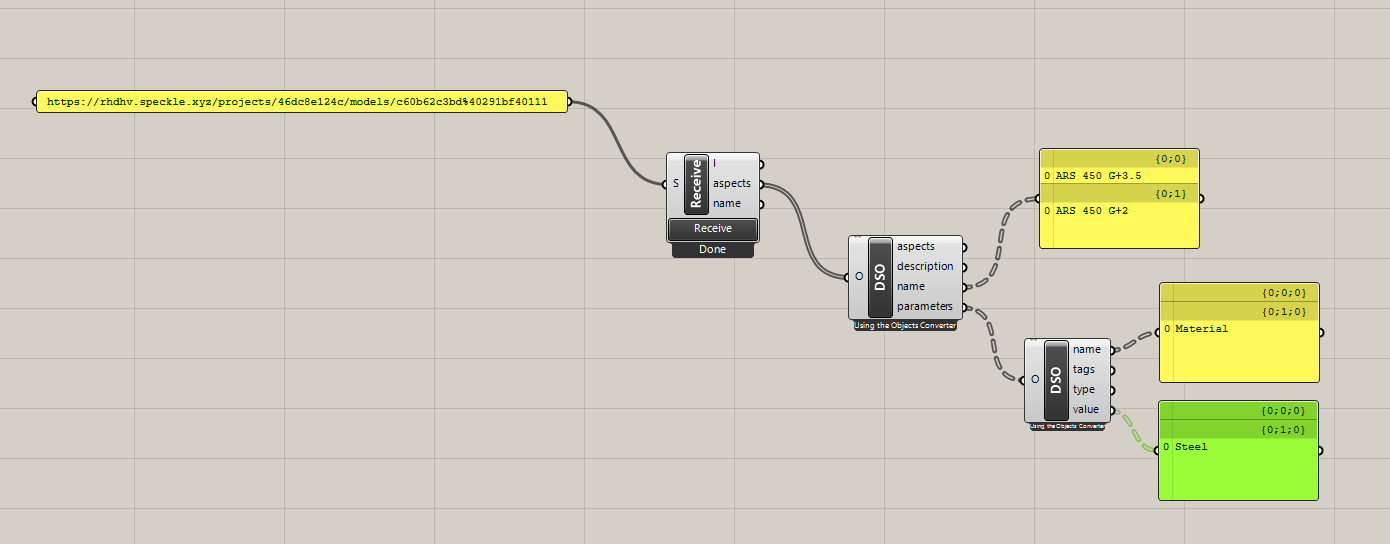
A common way to use Origin parameters is to retrieve them in Grasshopper with the Speckle connector for Grasshopper, and use them to drive parametric workflows.